You can grow more powerful by earning experience points and obtaining better items by fighting monsters.
You have two modes for controls in Return of Warrior: Keyboard Mode and Mouse Mode.
You can attack monsters with melee-attacks and skill-attacks.
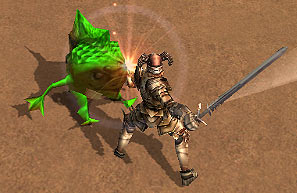 |
- In mouse mode, you just need to left-click a monster, and you will strike the monster with melee weapon until he is defeated.
- In keyboad mode, you need to left-click for single melee attack or hold-down the left mouse button for continuous melee attack.
|
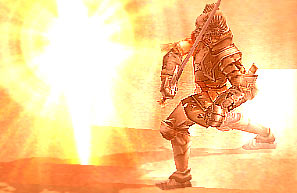 |
- Humans and Ak'Kans have developed specialized skills to aid them.
-
Common skills are accessible to anyone while some skills are
specialized by class. You can access a skill by pressing its
corresponding number, then press or hold-and-release the right mouse
button to activate the skill.
|
You can find the right monsters by looking at the color of their names.
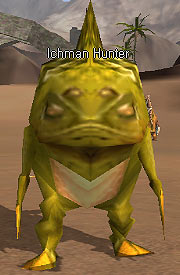
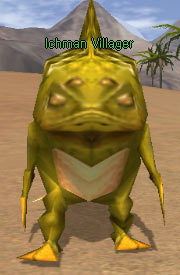
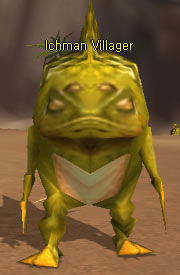
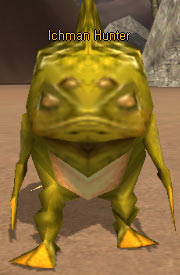
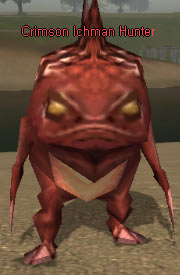
- Gray: Weaker monster.
- Green: Weak monster.
- Yellow: Normal monster.
- Orange: Strong monster.
- Red: Stronger monster.
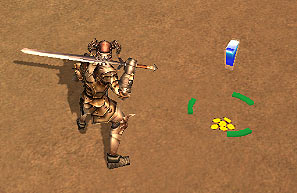 |
You will obtain a wide array of items or gold from monster drops.You can can pick up the items and place them in your inventories by pressing [E] or left-clicking on them. |
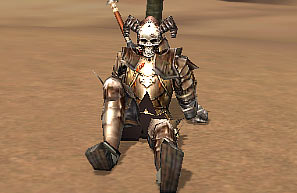 |
Press [C] to take some rest.
You will regain HP and MP more quickly.If an enemy attacks or you make a move, then you will stand up. |
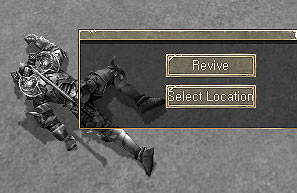 |
If it happens that you are killed, you can click on the screen and the re-spawn box will appear.
Clicking 'Revive' will instantly take you back to the starting point of the map.
Click 'Select Location' to see if you can re-spawn in the other place. The blue icons indicate available places. |
- If
you were killed, your equipped items will lose a certain amount of the
endurance. If the endurance of your equipment is too low, it will start
losing the max endurance.
|